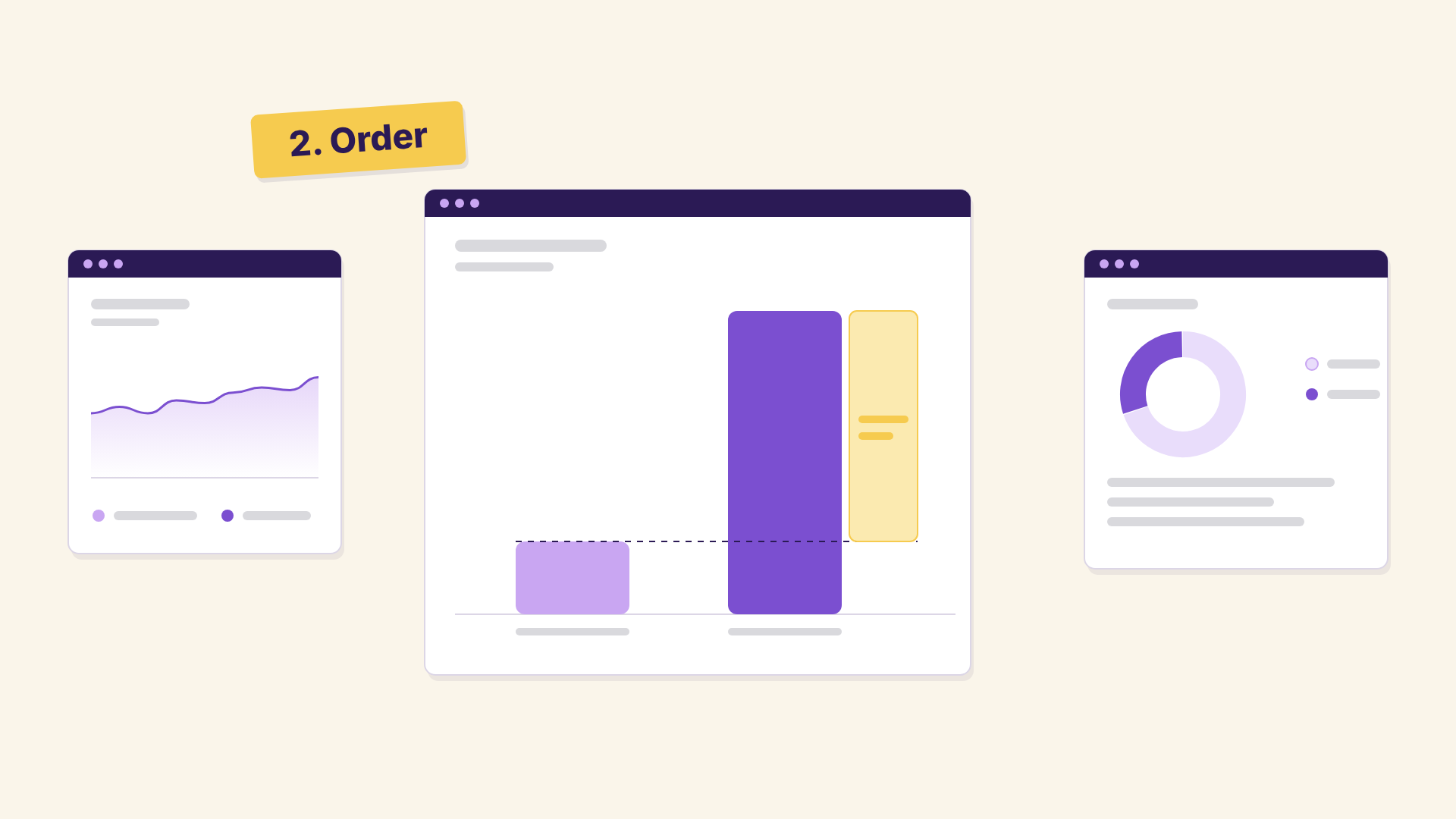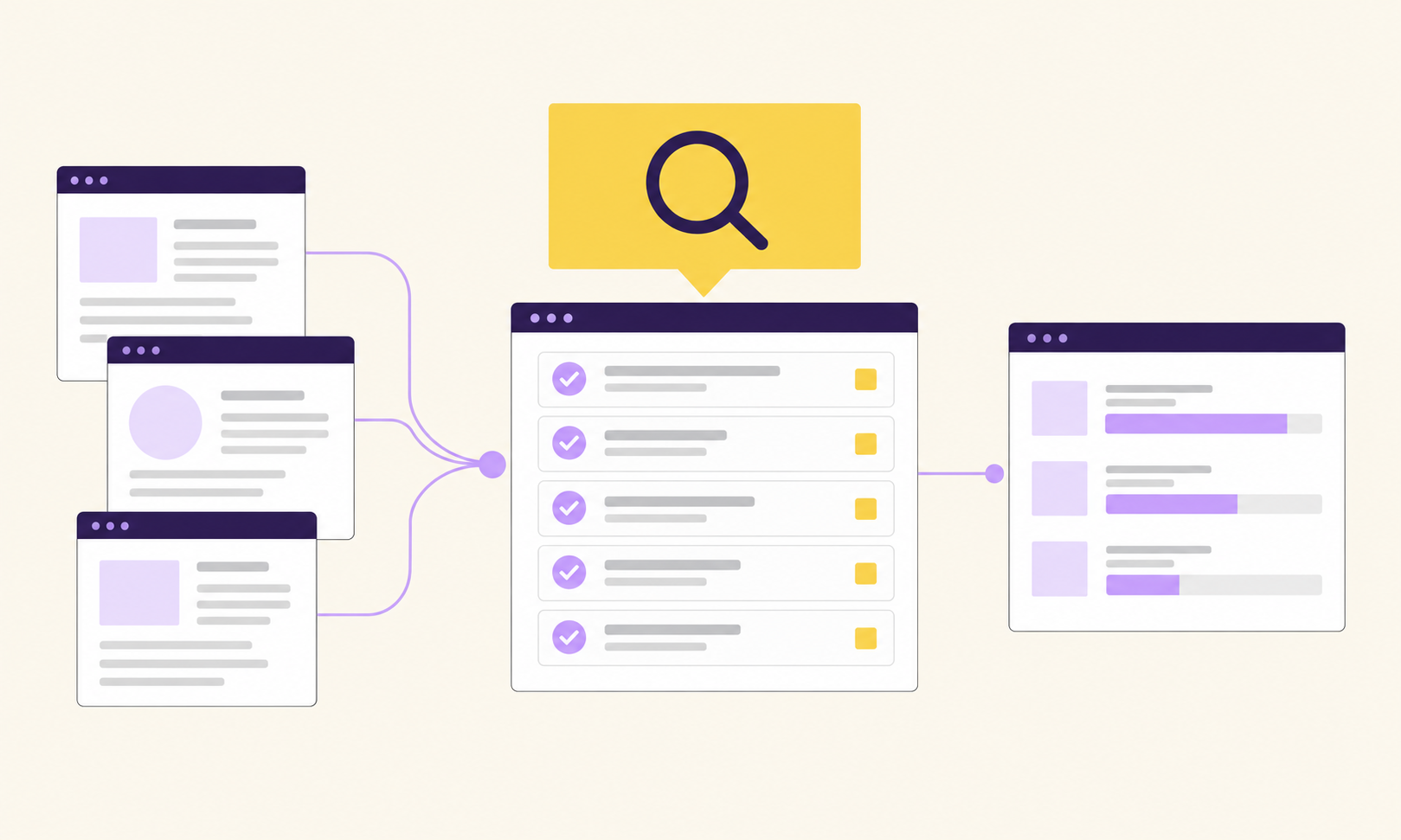

- What is incrementality testing: It measures the extra revenue or profit a retention tactic generates - anything you do to get customers to buy again, from email and WhatsApp to an app or a loyalty program. You randomly split customers into groups, expose only some of them to the tactic, and compare the outcome.
- Why a higher CLV doesn’t prove a retention tactic works: Your best customers are the ones most likely to open your emails, download your app or join your loyalty program anyway, so their CLV is higher with or without the tactic (selection bias). And CLV only shows the outcome of good retention, not what caused it (lagging indicator).
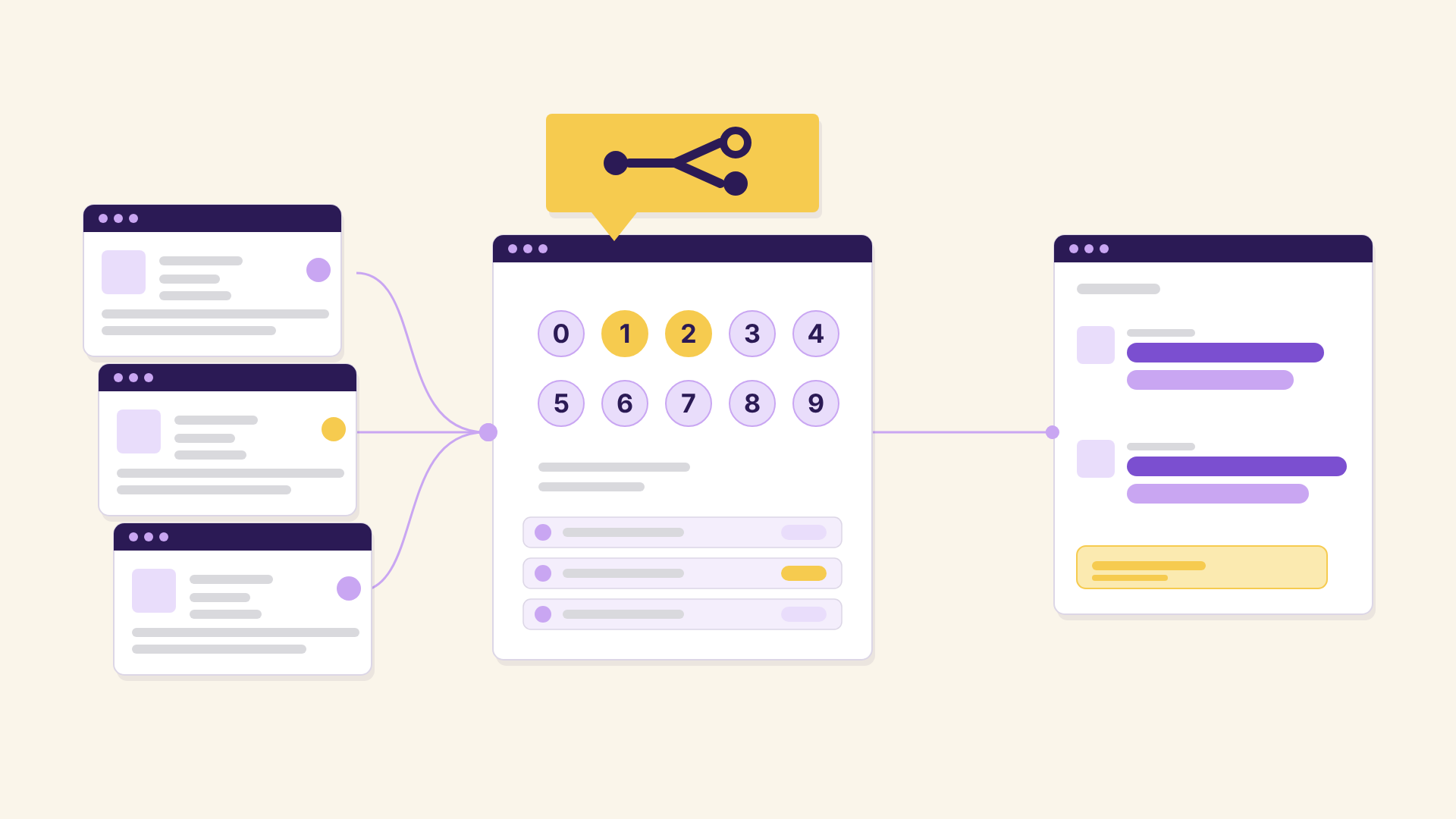
- How to set up an incrementality test: Tag every customer with a random group, e.g. 0-9 based on the last digit of their customer ID (a Shopify Flow does this automatically). Then roll out the new retention tactic to only some groups - e.g. invite groups 1 and 2 to download the app for a month.
- How to read and interpret the results: In Klar’s cohort report, compare repeat rate and CLV of the groups that got the tactic against everyone else for the test period. Because the groups are random, the gap is the retention tactic’s incremental effect.
In our previous post on retention economics, I tried to show you that looking at the average CLV is misleading. As in, it doesn’t really show how much extra lifetime value you generate from an incremental second purchase.
Here is the one thing you need to have in place as an eCom brand if you want to take your lifetime value seriously: incrementality testing. Here is what I mean and how you can easily implement it.
What is incrementality testing?
With incrementality testing you can measure the additional revenue/profit you generate from taking a certain action.
Why does incrementality testing matter for retention?
There are two main reasons why incrementality testing is important, especially when it comes to retention: selection bias, and the fact that CLV is a lagging indicator.
- Selection bias - all the things that you do to boost retention like email, WhatsApp, an app, a loyalty program are all things that your best customers are more inclined to use in the first place. So it won’t be a surprise that the CLV of customers who downloaded the app will be higher.
- CLV is a lagging indicator - a higher CLV is the outcome of good retention and therefore makes it tough to analyse what led to it.
How do you set up an incrementality test for retention?
Split your customers into randomly assigned groups and expose only some of them to the new retention tactic.
Use customer tags to group your customers randomly into different groups, e.g. 0-9 based on the last digit in their customer ID (this can be done automatically via Shopify flows for example). Then whenever you want to implement something that increases retention, you only expose a sub-segment of your customers to this approach. E.g. you only invite people with the group 1+2 to download the app over the course of a month but leave out the remaining groups.
Then you have a clear, randomly assigned split of which customers were asked to download the app. You’ll find a more detailed explanation of how to set this up for your shop in the section on customer tags below.
How do you read the results of an incrementality test?
Compare the repeat rate and customer lifetime value of the groups you exposed against everyone else in a cohort report.
With this split, you can clearly measure the incremental impact of asking people to download the app. Simply use cohort reports in Klar to cluster your customers based on these customer tags and select the date range during which you ran the split.
In the example, we can see that groups 1+2 have a repeat rate of around 40% whereas the remaining groups are at around 35%. An uplift of 15%. And CLV is also higher at €160 vs €125. An uplift of 28%.
Since customers are placed into the groups completely at random, the only difference between them is whether or not you asked them to download your app. Thus, you can be sure that there is a clear incremental uplift. In this case €35 per customer in contribution margin. At around 20,000 customers this store is acquiring per month, that results in a total additional contribution margin of €700,000.
Now to be honest, this is not rocket science. Yet, I can count the number of brands doing it on one, maybe two hands. In times where profitability is priority number one, two, and three, every investment needs to prove its worth. And randomly created cohort incrementality tests are the best way to do just that.
How do you set up the customer tags in Shopify?
Create a Shopify Flow that tags every new customer with the last digit of their customer ID, and upload the same tag for existing customers.
With Klar, this is super simple to do if you have the right customer tags in place, where each customer is randomly assigned to a group, and only a specific group(s) is exposed to this new tactic. You can then use the Cohort report to see how these customers behave relative to everyone else and since this group is created randomly, the difference in CLV will be the incremental impact.
You just need to do two things:
1. Set up a Shopify Flow for new customers
Build a new flow in Shopify where new customers get automatically assigned a tag based on the last digit of the ID in their customer profile. This only takes 5 minutes.
2. Upload tags for old customers
For existing customers, you unfortunately need to do a manual upload. But again, this is simple. Just download a list of your customers and copy this Excel formula to create a new tag based on their customer ID:
=IF(T2="","Incrementality Test - "&RIGHT(A2,1),T2&", Incrementality Test - "&RIGHT(A2,1))
Then reupload your customers and all tags will be added. And that’s it. It takes around 15 minutes to do, but will give you everything you need to get started with incrementality testing.
There’s also this full step-by-step video guide on how to set this up: How to do incrementality testing – https://www.loom.com/share/daee5feb4cda464e8a13bd72d96e8858
FAQ
What is incrementality testing in ecommerce?
Incrementality testing measures the additional revenue or profit you generate from taking a certain marketing tactic. For experiments aimed at retention, you randomly split customers into groups, roll out the tactic to only some of them, and compare the results. Tactics can be anything you do to get customers to buy again, like email, WhatsApp, an app or a loyalty program.
Why is average CLV misleading when you evaluate a retention tactic?
Two reasons: selection bias and timing. First, your best customers are the ones most likely to open your emails, download your app or join your loyalty program anyway, so their CLV is higher with or without the tactic (selection bias). Second, CLV only shows up in hindsight: it adds up what customers spent over months, after all your emails, offers and discounts have already happened. A high CLV tells you retention was good, but not which tactic made it good (it is a lagging indicator).
How do you create random test groups in Shopify?
Build a Shopify Flow that tags every new customer with a group from 0 to 9, based on the last digit of their customer ID. That takes about 5 minutes. You then roll out the retention tactic you want to test to only some of these groups, e.g. groups 1 and 2.
How do you tag existing customers for an incrementality test?
Shopify Flow only tags customers from now on, so existing customers need a one-off import: export your customer list, add a tag based on the last digit of each customer ID (a spreadsheet formula or an AI assistant does this in seconds), and re-import the full list with “Overwrite existing customers” checked. The exact formula and a step-by-step video are in the section “How do you set up the customer tags in Shopify?” above.
How do you read the result of a retention incrementality test?
In Klar’s cohort report, group customers by the test tags and select the period you ran the test. Then compare the repeat rate and CLV of the groups that got the retention tactic with everyone else. In the example above, groups 1 and 2 reached a repeat rate of about 40% vs. about 35%, and a CLV of €160 vs. €125.
Which retention tactics can you test this way?
Any retention tactic you can roll out to only part of your customers, such as email, WhatsApp, an app or a loyalty program. In the example above, only groups 1 and 2 are invited to download the app for one month.
How long does setting up an incrementality test take?
Around 5 minutes for the Shopify Flow plus around 15 minutes for existing customers. The test itself then runs for as long as you roll out the tactic, e.g. one month, plus the time it takes for repeat purchases to show up in the cohort report.
Related reading
- Retention Mindset: Why Average CLV Hides What a Second Purchase Is Worth
- Finding the ideal CLV/CAC ratio for your ecommerce business
About the author
Max Rast is Co-Founder and CEO of Klar. He has built one 8-figure and one 9-figure eCom brand and works with 2,000+ eCom brands at Klar. LinkedIn